Wix Website Guide – Create & Launch Stunning Sites Without Coding

Wix is a powerful drag-and-drop website builder that allows anyone to create a professional-looking website without writing a single line of code. This Wix website guide walks you through the entire process—from choosing a template and customizing your layout to adding features like forms, galleries, and online stores. Whether you’re a beginner, freelancer, or small business owner, you’ll learn how to build a stunning and responsive site that reflects your brand and goals. With built-in SEO tools and app integrations, Wix makes launching your online presence quick, easy, and effective.

Add a popup in Wix
Add a popup in Wix Want to add a popup in Wix without coding? Whether you're promoting a sale, collecting emails, or welcoming visitors, popups are a great way to capture attention. Luckily, Wix makes it super...
Using Wix Forms to Collect Customer Feedback
Using Wix Forms to Collect Customer Feedback Customer feedback plays a critical role in the success of any online business. Whether you run an eCommerce store, a personal blog, or a service-based website, understanding what your...
How to Set Up Wix Payments and Accept Online Transactions
If you're running an online store, service-based business, or accepting bookings through your website, setting up a reliable payment system is crucial. With Wix Payments, you can seamlessly accept online transactions without relying on third-party...
How to Accept Bookings with Wix Hotels
How to Accept Bookings with Wix Hotels Running a hotel, guesthouse, or vacation rental business? With Wix Hotels, you can accept online bookings directly from your website—without third-party fees or complicated systems. Wix provides a user-friendly,...
Setting Up Wix Events: A Complete Guide
Setting Up Wix Events: A Complete Guide Wix is more than just a drag-and-drop website builder—it also offers robust tools for event management. Whether you’re planning a webinar, workshop, concert, or product launch, setting up Wix...
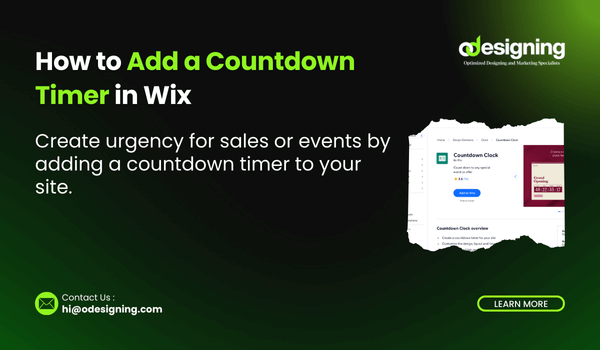
How to Add a Countdown Timer in Wix
How to Add a Countdown Timer in Wix Creating urgency is one of the most effective strategies in online marketing, and one of the easiest ways to do this on your Wix website is by using...
Wix Portfolio Tips for Freelancers and Agencies
Wix Portfolio Tips for Freelancers and Agencies Creating a strong portfolio is essential for standing out in the competitive world of freelance and agency work. Whether you're a beginner or a seasoned professional, your portfolio reflects...
Using Wix Ascend to Automate Your Business
Running a business demands efficiency, time management, and streamlined workflows. If you're a Wix user, you're already familiar with how versatile and easy-to-use the platform is. But did you know that using Wix Ascend to...
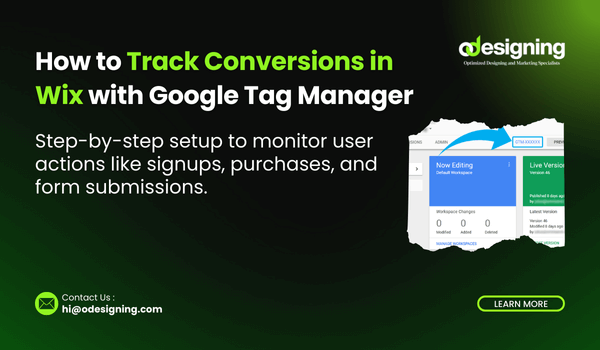
Track Conversions in Wix with Google Tag Manager
Tracking conversions is essential if you want to understand what’s working on your website—and what isn’t. Whether you’re collecting leads, selling products, or driving newsletter sign-ups, measuring performance can help you optimize for better results. In...
Wix Accessibility Tips
Creating a website isn’t just about how it looks—it’s about how easily people can use it. That includes users with disabilities who rely on features like screen readers, keyboard navigation, and high-contrast visuals. With that...