Want to build a powerful and flexible WordPress website? This complete guide walks you through every step — from choosing the right hosting and installing themes to configuring plugins, optimizing performance, and securing your site. Whether you’re creating a blog, a small business site, or an eCommerce store, WordPress gives you the tools to design a fast, scalable, and mobile-friendly website that fits your goals.
You don’t need to be a developer to run a successful WordPress website. Explore beginner tutorials, plugin recommendations, SEO best practices, and performance tips to ensure your site is responsive, secure, and search-engine optimized. With the right setup, your WordPress website can grow with your business and deliver an outstanding user experience across all devices.
Copy Content from One WordPress Page to Another pages can save time when creating similar layouts or updating your website. While plugins can help, you can also do this manually without extra tools. This guide...
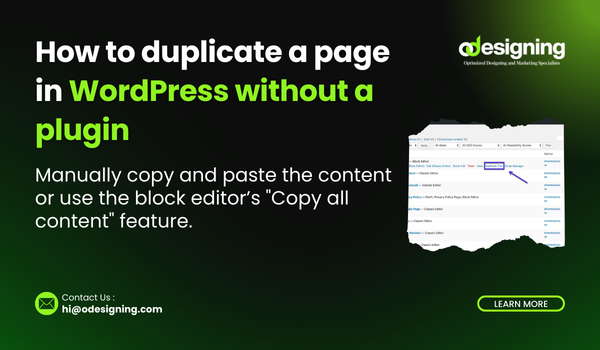
How to Duplicate a Page in WordPress Without a Plugin (Complete 2025 Guide)
Duplicate a Page in WordPress Without a Plugin is useful when you want to reuse content or create a similar page layout. While...
Receiving Get Notification for Form Submissions in WordPress is essential for staying updated with user interactions. Whether you run a blog, business site, or eCommerce store, instant alerts help you respond quickly to inquiries and...
How to edit footer in WordPress is an essential part of your website, usually containing important links, copyright notices, and other relevant information. Editing the footer can help customize your site’s appearance and improve branding....
WordPress automatically generates post excerpts by default, which may not always be ideal for your content layout. If you prefer to
Disable auto excerpt in WordPress manually, you can disable the auto excerpt feature in WordPress.
Why...
How Much is WordPress Cost of the most popular content management systems (CMS) available today. However, How Much is WordPress Cost varies depending on whether you use WordPress.com or WordPress.org. In this guide, we’ll break...
When working with WordPress, sometimes you may need to edit the HTML directly to customize your content beyond what the visual editor allows. WordPress provides multiple ways to How to switch to HTML view in...
Backing up your WordPress site is crucial to protect your data from accidental loss, hacking attempts, or server crashes. In this guide, we’ll cover various methods to How to backup a WordPress site , including manual...
WordPress block patterns are a powerful way to enhance your website’s design without needing coding skills. Whether you want to add pre-designed layouts or create custom patterns, this guide will show you Add Patterns to...
Offering discounts through coupons is a great way to attract customers and boost sales Add Coupons to WordPress Products on your WordPress website. Whether you’re running an eCommerce store with WooCommerce or promoting digital products,...