Want to build a powerful and flexible WordPress website? This complete guide walks you through every step — from choosing the right hosting and installing themes to configuring plugins, optimizing performance, and securing your site. Whether you’re creating a blog, a small business site, or an eCommerce store, WordPress gives you the tools to design a fast, scalable, and mobile-friendly website that fits your goals.
You don’t need to be a developer to run a successful WordPress website. Explore beginner tutorials, plugin recommendations, SEO best practices, and performance tips to ensure your site is responsive, secure, and search-engine optimized. With the right setup, your WordPress website can grow with your business and deliver an outstanding user experience across all devices.
Mastering CSS Media Queries: The Ultimate Guide to Building Truly Responsive Websites
Creating websites that look great across all devices is no longer optional—it’s essential. Whether your visitors use a smartphone, tablet, laptop, or a high-resolution...
In the world of eCommerce, customer trust is everything. With so many options available, shoppers rely on customer reviews for Shopify to make purchasing decisions. Reviews not only build credibility but also boost conversion rates,...
WordPress is a powerful and flexible platform, but like any other software, it can sometimes encounter errors. Whether you’re a beginner or an experienced user, running into WordPress issues can be frustrating. This guide will...
Create a New User in WordPress allows you to create multiple users with different roles and permissions to manage your website efficiently. Whether you want to add an administrator, editor, author, or subscriber, WordPress provides...
Improve WordPress Site Security WordPress is one of the most popular content management systems, but its popularity also makes it a target for hackers. Securing your WordPress site is essential to protect data, prevent hacking,...
Restore WordPress Backup is crucial if your website crashes, gets hacked, or faces any data loss. Backups ensure that you can quickly recover your site and minimize downtime. In this guide, we’ll walk you through different...
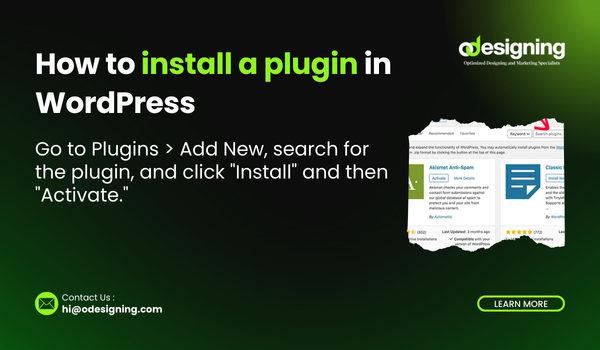
Install a Plugin in WordPress, Plugins are essential tools that extend the functionality of your WordPress website. Whether you need SEO optimization, security enhancements, or design improvements, installing the right plugins can make a significant...
Google Analytics is a powerful tool that helps you track visitor behavior, traffic sources, and overall website performance. By integrating Google Analytics with WordPress, you can make data-driven decisions to grow your website. In this...
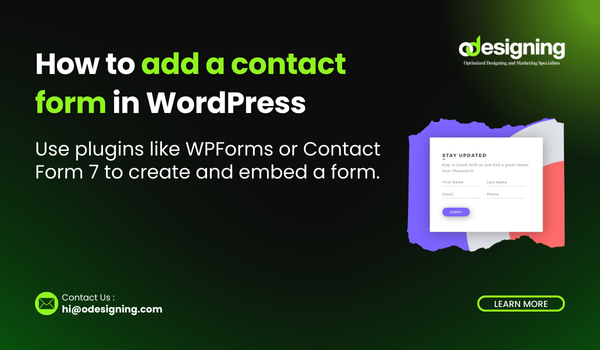
A contact form is essential for any website, allowing visitors to get in touch with you easily. WordPress makes it simple to add a contact form using plugins or built-in features. This guide will show...
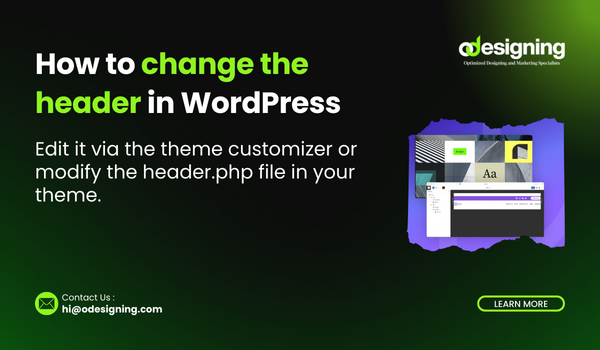
The header is one of the most important elements of your WordPress website. It usually contains the logo, navigation menu, and other essential elements. If you want to update or customize your header, there are...